Stop wondering if your critical emails are landing in a black hole. For data-driven RevOps, sales, and marketing teams, knowing who opens, clicks, and engages with your messages is a non-negotiable part of the revenue engine. Standard Outlook read receipts are notoriously unreliable and simply don’t provide the granular data needed to make strategic decisions, debug a broken sales funnel, or optimize outreach sequences. This is where dedicated email tracking software becomes indispensable.
This guide moves far beyond basic acknowledgments. We are diving deep into the 12 best Outlook email tracking tools that deliver the actionable intelligence high-performance teams require. We will cover a range of solutions, from simple open and click alerts to sophisticated platforms that offer deep CRM and Salesforce integration, sequence analytics, and robust data pipelines for your GTM stack. Whether you’re a RevOps leader architecting a data-first sales process or a sales manager trying to understand rep effectiveness, the right tool is in this list.
Forget the marketing fluff. We are getting straight to the point with honest, practical reviews focused on real-world use cases. For each tool, you’ll find a clear breakdown of its core features, implementation considerations, and specific limitations. We’ll provide screenshots and direct links, helping you quickly identify the best Outlook email tracking solution to measure prospect engagement, refine your communication strategy, and drive predictable revenue-all without ever leaving your inbox.
1. Yesware for Outlook
Yesware for Outlook stands out as one of the most established and user-friendly tools for sales teams looking to embed tracking directly into their existing workflow. It’s an Outlook add-in, meaning it lives right inside your inbox, providing real-time notifications when a recipient opens an email, clicks a link, or views an attachment. This tight integration makes it a top contender for anyone seeking the best Outlook email tracking without leaving their native environment.
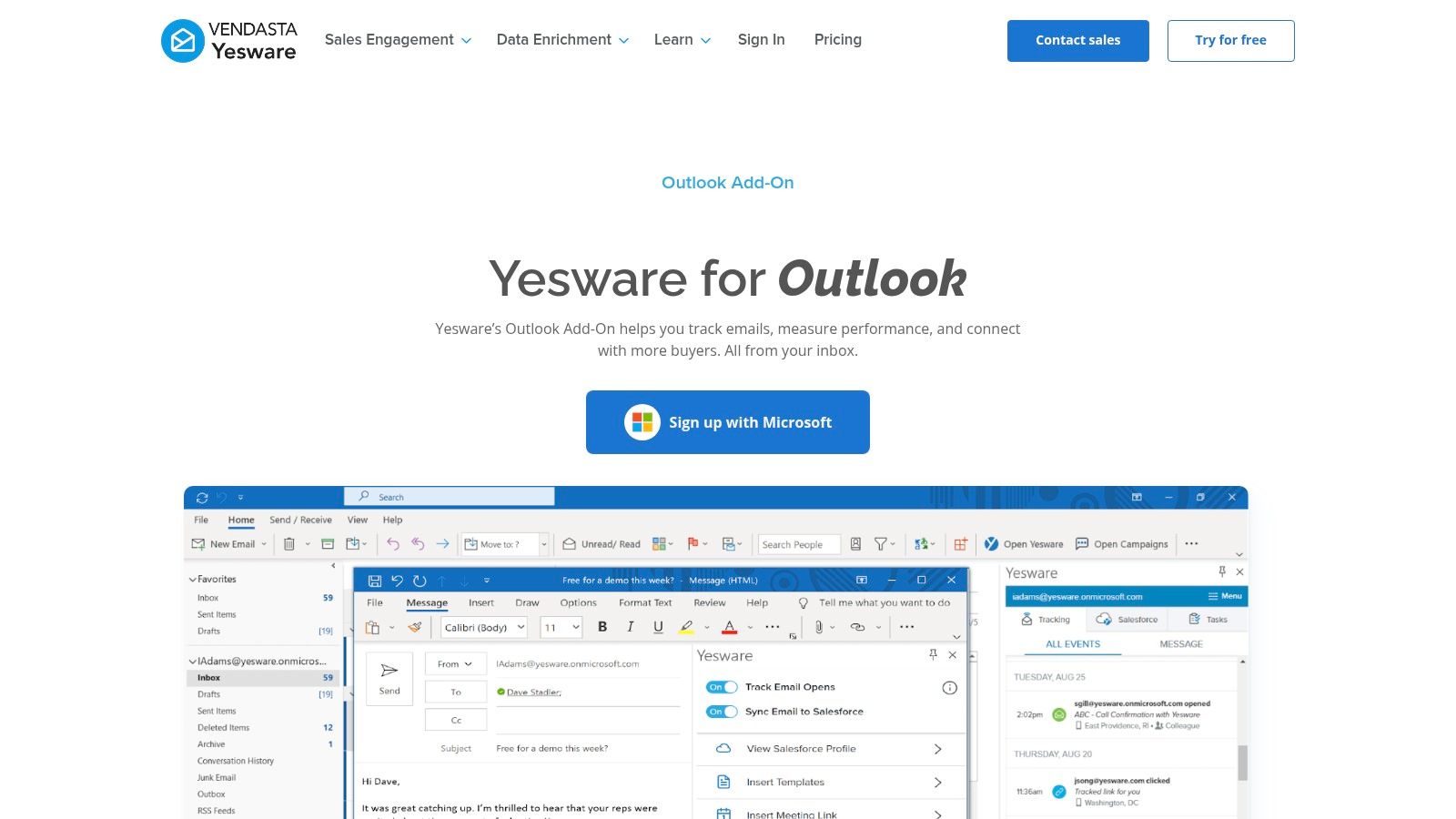
The platform is particularly strong for individual reps and small teams who need actionable insights fast. The activity feed is a game-changer for timing follow-ups, as you can see engagement as it happens. For RevOps leaders, the aggregated reports offer a clear view of which messaging and templates are driving responses, helping refine the sales playbook.
Key Features & Implementation
- Core Tracking: Real-time open, link, and attachment tracking.
- Workflow Integration: Functions as a native Outlook add-in for both Microsoft 365 desktop and web versions.
- Reporting: An activity feed shows live engagement, while dashboards provide team-level performance analytics.
Implementation is straightforward: install the add-in from the Microsoft AppSource, and you’re ready to go. However, be aware that some Outlook versions might require you to use a dedicated “Send with Yesware” button or keep its sidebar pinned to ensure tracking is activated, which can be a minor workflow adjustment.
Why It’s a Top Pick: Yesware’s maturity and simplicity are its greatest strengths. It delivers reliable, core tracking features with an almost non-existent learning curve, making it incredibly easy to adopt across a sales team. The free tier is also a huge plus for testing the waters.
Pricing: Starts with a free forever plan for basic tracking. Paid plans (Pro, Premium, Enterprise) unlock advanced features like template reporting and Salesforce integration, with pricing starting around $15 per user/month.
Website: https://www.yesware.com/platform/outlook
2. HubSpot Sales (Office 365 / Outlook add‑in)
For teams already invested in the HubSpot ecosystem, the HubSpot Sales add-in is a no-brainer. It brings essential email tracking capabilities directly into your Outlook inbox while ensuring every interaction is automatically logged in the CRM. This creates a single source of truth for customer communication, making it a powerful tool for organizations looking for the best Outlook email tracking that’s deeply integrated with their core sales platform.
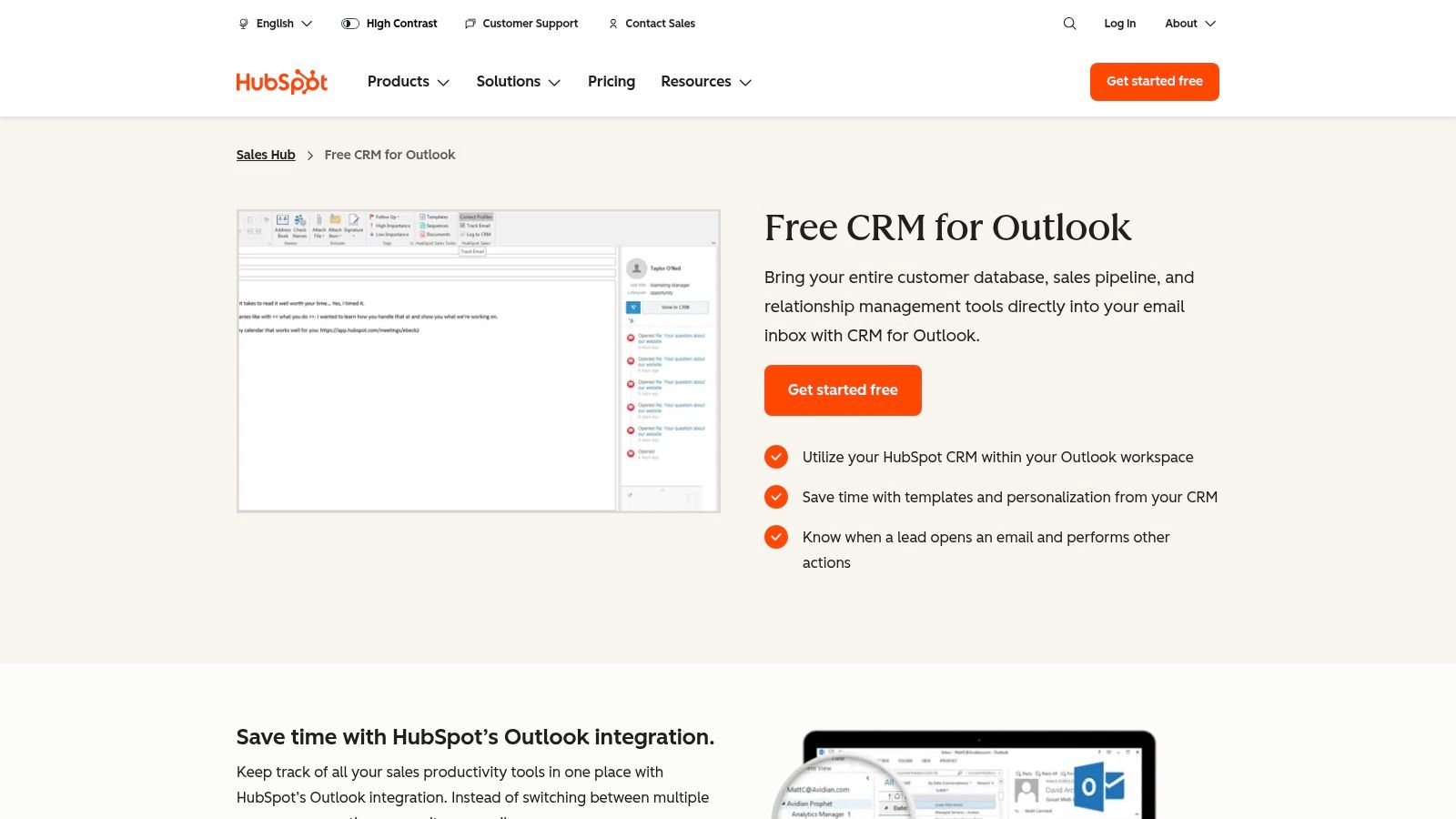
The primary strength of this add-in is its connection to the HubSpot CRM. Beyond just notifying you of an open, it populates the contact’s activity timeline, giving your entire team context on every touchpoint. This seamless data sync is crucial for RevOps leaders aiming to maintain data integrity, which is a key component when considering the goals of a CRM. The add-in supports modern Outlook environments, including Mac, PC, and the web app via Office 365.
Key Features & Implementation
- Core Tracking: Real-time open notifications are available for free, with click tracking included in paid Sales Hub plans.
- Workflow Integration: Functions as an Office 365 add-in, providing a consistent experience across desktop and web versions of Outlook.
- CRM Logging: Automatically logs sent emails, replies, and engagement data to the corresponding contact record in HubSpot CRM.
Implementation involves installing the add-in from Microsoft AppSource and connecting your HubSpot account. While the modern Office 365 add-in is actively supported, it’s important to note that the legacy desktop-only add-in is no longer being developed for newer versions of Outlook, so users should ensure they are using the correct version for future compatibility.
Why It’s a Top Pick: HubSpot provides an unparalleled combination of free email tracking and deep CRM integration. For any team using HubSpot, this add-in is the most efficient way to track emails and maintain a pristine activity history without manual data entry.
Pricing: Free tools include basic email open tracking. Paid Sales Hub plans (starting at $15 per user/month) unlock more advanced features like click tracking, sequences, and meeting scheduling.
Website: https://www.hubspot.com/products/sales/outlook
3. Saleshandy for Outlook
Saleshandy offers a robust solution for sales teams who want to move beyond basic read receipts and get granular, per-recipient engagement data. It operates as an Outlook plug-in, providing detailed open counts, link click tracking, and real-time desktop notifications. This focus makes it a strong choice for those seeking the best Outlook email tracking specifically for high-volume sales outreach and follow-up sequences.
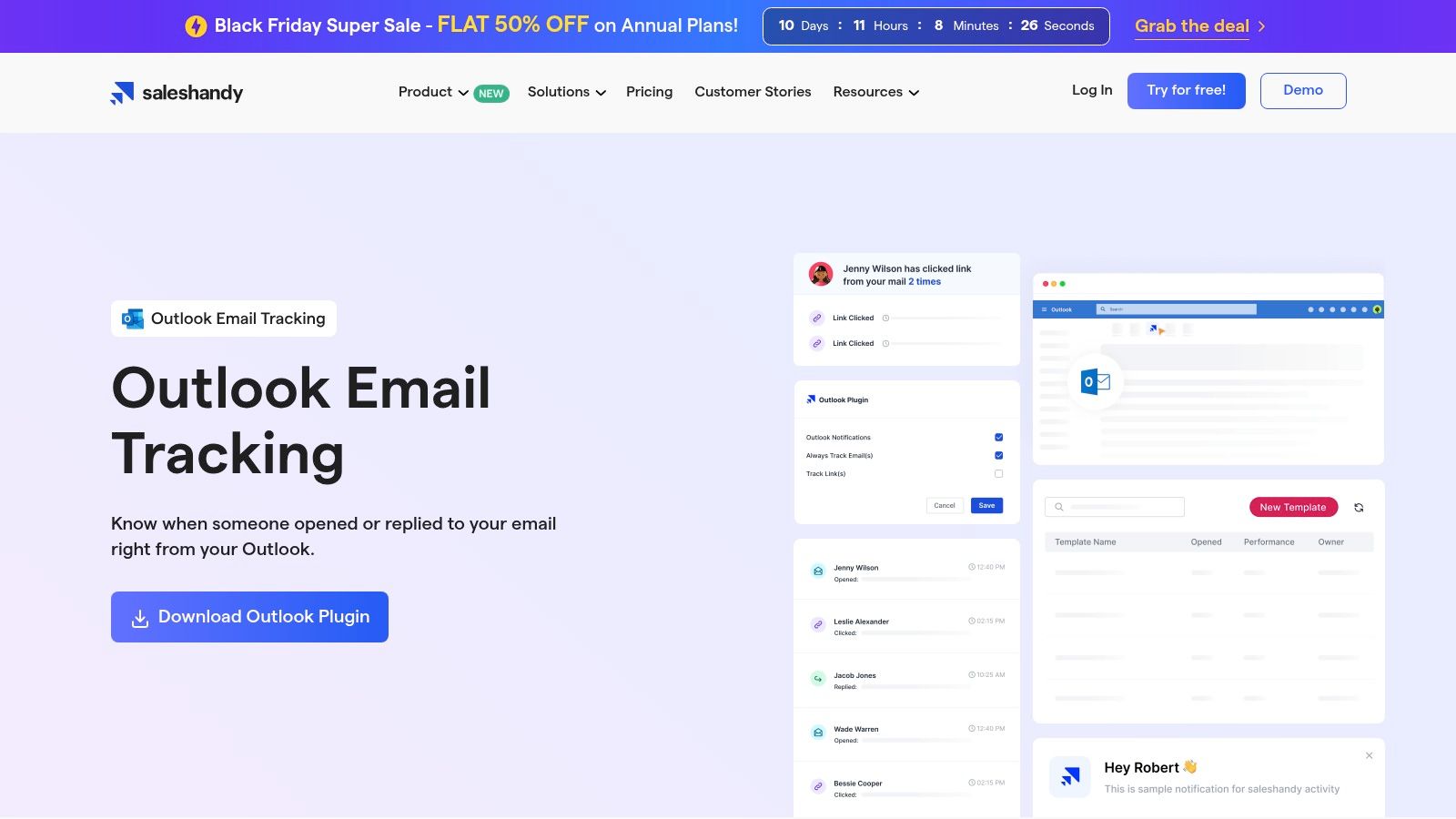
The platform is particularly useful for reps managing a large pipeline, as it clearly identifies which prospects are actively engaging with their emails. The ability to see exactly who opened an email and how many times helps prioritize follow-ups effectively. For RevOps, the CSV export function is a key feature, allowing raw tracking metrics to be pulled into external analytics platforms for deeper performance analysis.
Key Features & Implementation
- Core Tracking: Per-recipient open counts and precise link click tracking.
- Workflow Integration: Functions as a COM add-in compatible with Office 365 and older Outlook desktop versions (e.g., 2007, 2010, 2013, 2016).
- Reporting: Real-time desktop notifications and the ability to export tracking data as a CSV file.
Implementation involves installing the plug-in, and Saleshandy provides clear support documentation. A potential friction point is that Outlook can sometimes automatically disable COM add-ins, requiring users to manually re-enable it in the settings. This is a common issue with this type of integration but is a minor technical hurdle to be aware of.
Why It’s a Top Pick: Saleshandy excels at providing detailed, multi-touch engagement metrics. Its focus on per-recipient tracking and data exportability gives sales and RevOps teams the raw data they need to analyze outreach effectiveness beyond simple open/close rates.
Pricing: Saleshandy offers a free plan with limited tracking. Paid plans start at $27 per user/month and unlock unlimited email tracking, templates, and advanced features.
Website: https://www.saleshandy.com/outlook-email-tracking
4. RMail by RPost (for Outlook / Outlook Online)
RMail by RPost shifts the focus of email tracking from sales engagement to compliance and legal proof. While it provides open tracking, its core strength lies in its Registered Email™ service, which generates a court-admissible audit trail of email delivery, content, and timestamps. This makes it a critical tool for industries where proof of communication is non-negotiable, like legal, financial services, and healthcare, and a unique contender for the best Outlook email tracking for compliance-driven use cases.
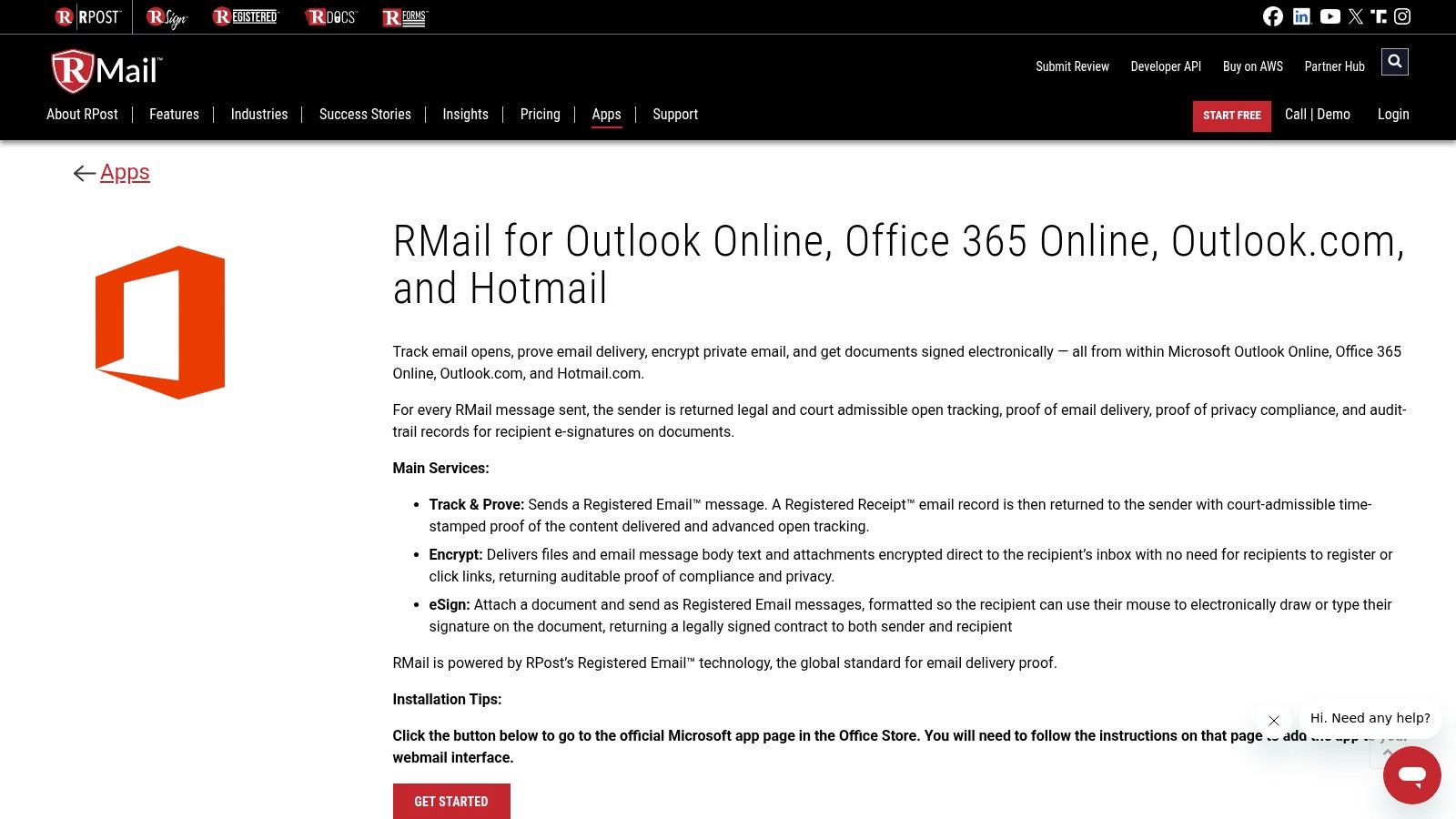
Unlike typical sales tools, RMail is designed for high-stakes communication. The platform bundles its tracking with features like end-to-end encryption, e-signatures, and secure large file transfers directly within the Outlook interface. For RevOps teams managing contracts, sensitive proposals, or formal notices, RMail ensures that you not only know when an email is opened but can legally prove it was sent and received.
Key Features & Implementation
- Core Tracking: Open tracking combined with a legal, court-admissible Registered Receipt™ record for proof of delivery, time, and content.
- Workflow Integration: Operates as an add-in for Outlook desktop, Outlook on the web, and Outlook.com, adding a “Send Registered” button.
- Compliance Suite: Includes powerful encryption, e-signature functionality, and secure large file transfer (up to 1GB).
Implementation involves installing the add-in from the Microsoft AppSource. The primary workflow change is choosing the “Send Registered” option for emails requiring an audit trail. The broader feature set might feel excessive for teams that only need simple open and click tracking.
Why It’s a Top Pick: RMail is unparalleled for its focus on legal proof and compliance. It’s the go-to solution when “read receipts” aren’t enough and you need an verifiable, third-party record of communication for contracts, legal notices, or regulated industries.
Pricing: RMail offers a free plan with a limited number of uses per month. Paid plans are available, but pricing often requires a custom quote based on volume and features, so contacting their sales team is recommended.
Website: https://rmail.com/apps/rmail-for-outlook-online
5. ContactMonkey (Outlook add‑in for internal comms)
While most tools on this list focus on sales, ContactMonkey carves out a unique niche by tailoring its features specifically for internal communications teams. It’s an Outlook add-in designed to track employee engagement with company-wide announcements, newsletters, and updates. Instead of just one-to-one tracking, it excels at measuring readership across large distribution lists, making it a strong contender for the best Outlook email tracking solution for HR and internal comms.
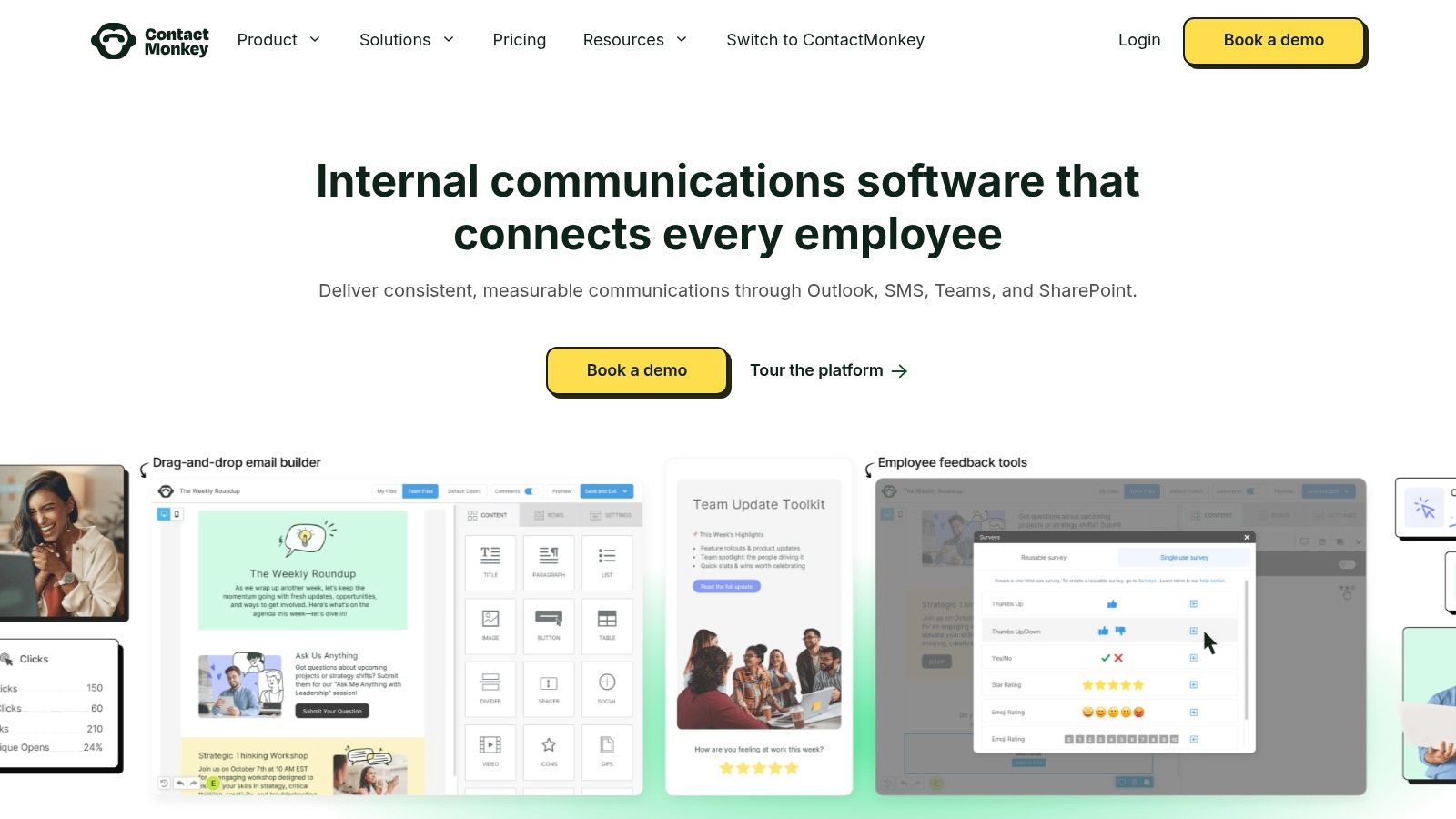
The platform shines when you need to understand how well internal messaging is landing without the sales-centric features of other platforms. It supports CSV uploads for segmented lists and offers merge fields for personalization. This allows RevOps leaders to adapt its capabilities for tracking engagement on critical operational updates sent to sales or marketing teams, ensuring important process changes are seen.
Key Features & Implementation
- Core Tracking: Open and link click tracking with options for individual, anonymous, or aggregated reporting.
- Workflow Integration: Functions within Outlook via a dedicated “Send & Track” button, bypassing the native send function. It also offers a template designer.
- List Management: Supports sending to large internal distribution lists and allows for CSV uploads for more granular segmentation.
Implementation requires installing the add-in and training users to always use the ContactMonkey send button to enable tracking. While this is a minor adjustment, it’s crucial for data collection. Its focus on internal comms means it lacks common sales features like CRM integration.
Why It’s a Top Pick: ContactMonkey is purpose-built for a different audience. It provides the engagement analytics internal teams need to measure and improve their communications, a functionality often missing from standard sales-focused trackers.
Pricing: Available upon request. Plans are customized based on the number of employees and required features.
Website: https://www.contactmonkey.com
6. Staffbase Email (formerly Bananatag) for Outlook
Staffbase Email, widely known by its former name Bananatag, carves out a unique niche in the tracking world by focusing exclusively on internal communications. It’s an Outlook add-in designed for HR, corporate comms, and leadership teams to measure employee engagement with newsletters, announcements, and other internal messages. This focus makes it a specialized, yet powerful tool for organizations needing the best Outlook email tracking for their internal audience.
Instead of tracking individual sales prospects, Staffbase provides aggregated analytics on how different employee segments and distribution lists engage with content. For RevOps or internal operations leaders tasked with improving company-wide alignment, its insights are invaluable for understanding which messages resonate and which are ignored, helping to refine corporate communication strategies.
Key Features & Implementation
- Core Tracking: Measures open rates, click-through rates, and read times for internal email campaigns.
- Workflow Integration: Offers add-ins for Outlook Classic desktop and Microsoft 365, though the latter often requires IT-managed deployment via an XML manifest.
- Reporting: Provides detailed analytics dashboards that segment engagement by department, location, or other employee attributes.
Implementation is geared toward enterprise environments. The Microsoft 365 add-in is not on the public AppSource and typically requires an administrator to deploy it, ensuring organizational control and security. While this adds a step, it reflects the platform’s enterprise-grade focus. The integrations available for internal communication tools are also a key part of its ecosystem, which you can learn more about in this guide to marketing automation integrations.
Why It’s a Top Pick: Staffbase is the leader for internal email analytics. Its platform is purpose-built to give communications teams the data they need to treat internal emails with the same rigor as external marketing campaigns, all within the safety of a controlled corporate environment.
Pricing: Pricing is customized based on the number of employees and specific modules required. You must contact their sales team for a quote.
Website: https://www.staffbase.com/product/email/
7. PoliteMail for Outlook
PoliteMail for Outlook shifts the focus from external sales to internal corporate communications, offering a powerful analytics suite tailored for employee engagement. Instead of tracking individual sales prospects, it’s designed to measure the reach and effectiveness of company-wide announcements, newsletters, and executive messages directly within Outlook. This makes it a unique solution for organizations looking for the best Outlook email tracking for their internal audiences.
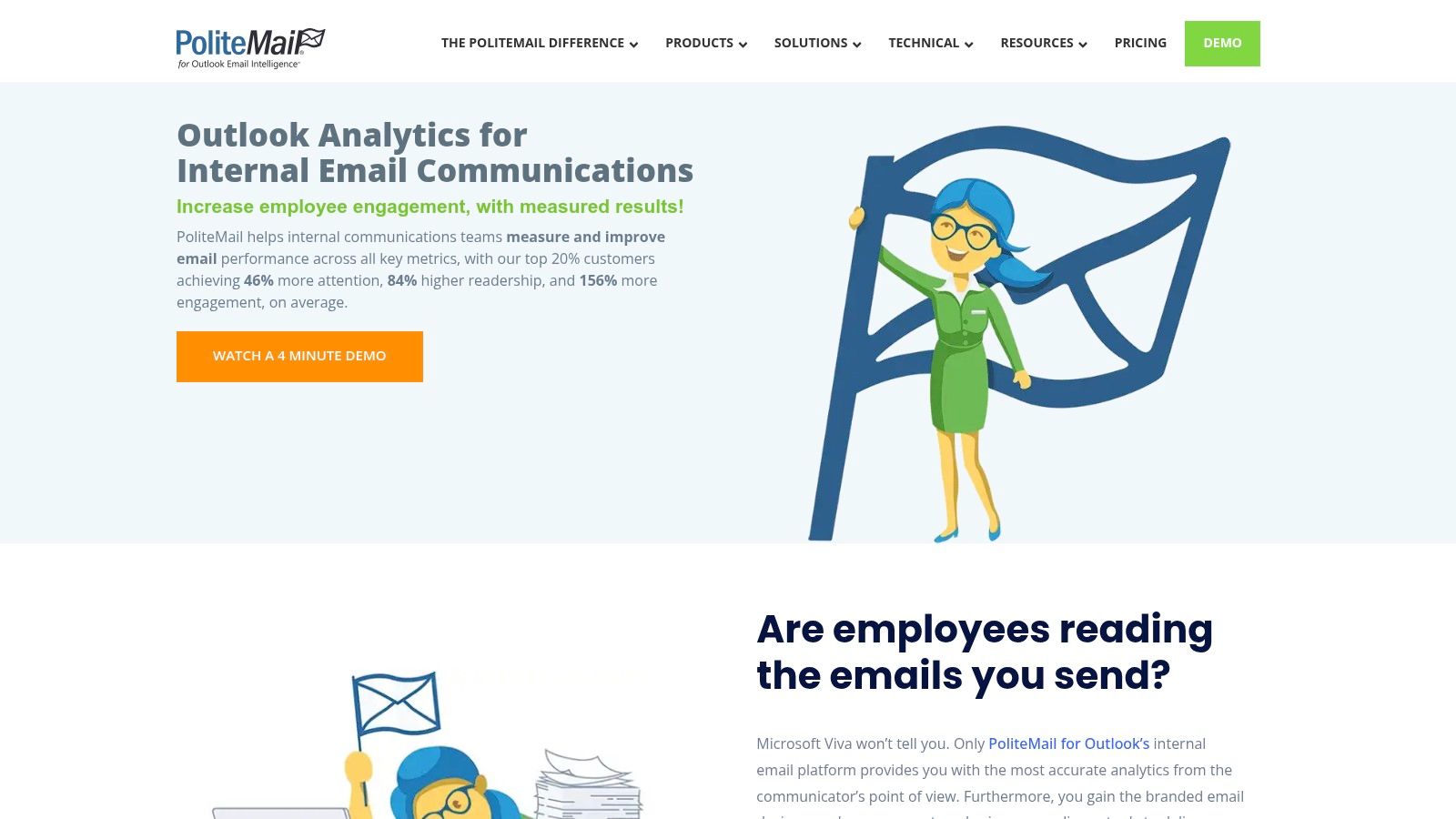
The platform integrates deeply with Microsoft 365 and Exchange, allowing communications to be sent from authentic internal addresses, which improves deliverability and trust. Its measurement strategies are specifically built to address challenges like image-blocking and Apple Mail Privacy Protection within corporate environments, ensuring more accurate readership data. For communications or HR teams, its dashboards provide invaluable insights into message engagement and read time.
Key Features & Implementation
- Core Tracking: Measures opens, clicks, read time, and device usage for internal email campaigns.
- Workflow Integration: Functions as a native Outlook add-in with deep Exchange integration, sending from your own mailbox.
- Reporting: Detailed analytics dashboards show campaign reach, readership, and engagement metrics across the organization.
Implementation involves deploying the add-in and configuring it with your Exchange environment, which is more involved than a simple sales tool. It’s overkill for one-to-one tracking but essential for teams managing large-scale internal communications who need reliable, privacy-conscious analytics.
Why It’s a Top Pick: PoliteMail excels by focusing exclusively on internal communications. Its transparent measurement, privacy controls, and ability to handle enterprise-level challenges make it the go-to choice for corporate communicators.
Pricing: Pricing is not publicly listed and is oriented toward larger organizations. You’ll need to contact their sales team for a custom quote based on your company’s size.
Website: https://politemail.com/
8. Mailsuite (Mailtrack) for Outlook
For those familiar with lightweight tracking in Gmail, Mailsuite brings the simplicity of its well-known Mailtrack brand to the Microsoft ecosystem. It offers a straightforward Outlook add-in focused on one core function: letting you know when your emails have been opened. This makes it a strong candidate for individuals or teams who need the best Outlook email tracking without the complexity of a full sales engagement platform.

Mailsuite’s primary value is its “set it and forget it” nature. Once installed, it adds simple read-receipt checkmarks next to your sent emails, providing at-a-glance confirmation of engagement directly within your inbox. This no-frills approach is ideal for professionals who just want to confirm their important messages have been seen, from account managers sending contracts to marketers sharing press releases.
Key Features & Implementation
- Core Tracking: Simple, one-pixel open tracking with visual read-status indicators (double checkmarks) in your sent folder.
- Workflow Integration: Available as a native Outlook add-in from Microsoft AppSource, compatible with desktop and web versions.
- Tracking History: The add-in pane allows you to view a history of opens for any tracked email.
Implementation is as simple as installing the add-in from the AppSource. However, new users should be careful to select the correct Outlook version, as the brand is more widely associated with Gmail. The vendor states the Outlook add-in offers free and unlimited tracking, though more advanced features are part of its paid tiers.
Why It’s a Top Pick: Mailsuite offers one of the most direct and simple ways to get started with email tracking in Outlook. Its promise of free, unlimited open tracking is a massive draw for users who don’t need link or attachment analytics.
Pricing: The core Outlook add-in is advertised as free for unlimited open tracking. Advanced features across the Mailsuite product line are available in paid plans.
Website: https://mailsuite.com/en/features/mailsuite-for-outlook
9. Track – Email Tracking Add‑in (Trackapp)
Track is a dedicated Microsoft AppSource add-in that brings email tracking directly into the Outlook environment, supporting desktop, web, and even mobile clients. It focuses on core tracking functionalities, offering real-time notifications for read receipts, link clicks, and attachment views. One of its standout claims is the ability to detect when an email is forwarded, providing deeper insight into how your message travels beyond the initial recipient.
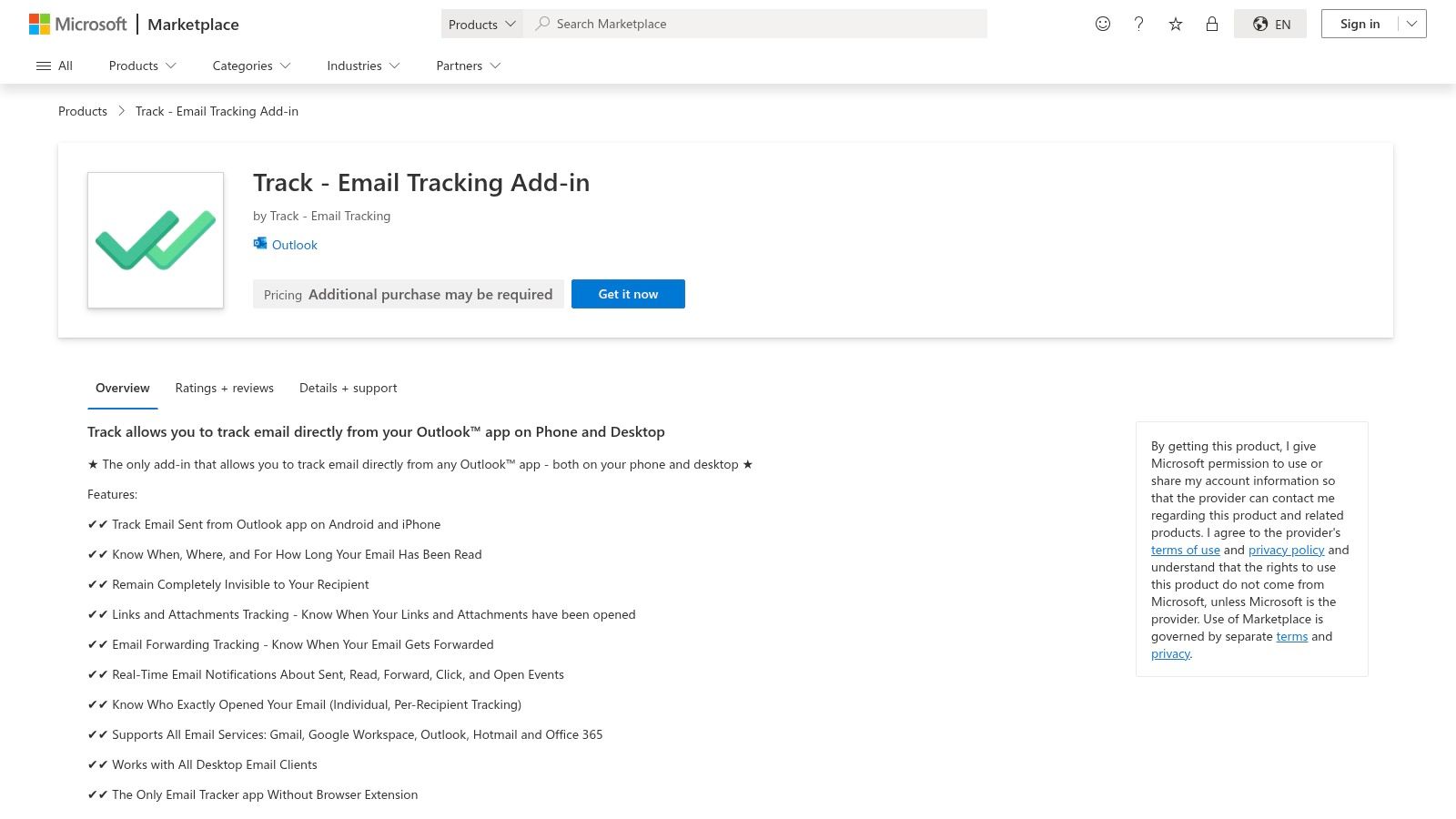
This tool is a solid option for users who need straightforward, no-frills tracking across all their devices. The per-recipient tracking is especially useful for group emails, allowing you to see exactly which stakeholder has engaged with your message. For RevOps teams exploring lightweight solutions, its broad Outlook client coverage makes it an intriguing choice for ensuring consistent tracking capabilities regardless of how reps access their inbox.
Key Features & Implementation
- Core Tracking: Real-time read, link, and attachment tracking with forwarding detection.
- Workflow Integration: Functions as a native Outlook add-in available on desktop, web, and mobile.
- Notifications: Provides instant alerts to help you time follow-ups effectively.
As an add-in from the Microsoft AppSource, implementation is simple. However, because it’s a smaller vendor, it is wise to assess their support quality and data handling policies to ensure they align with your company’s compliance standards. The feature scope is broad, so a trial period is recommended to verify it meets your specific operational needs.
Why It’s a Top Pick: Track’s primary advantage is its comprehensive device support, particularly its inclusion of Outlook mobile. This makes it one of the more flexible options for teams that work on the go and need a consistent tracking experience.
Pricing: Offers a free trial to evaluate features. Contact the vendor for detailed pricing information.
Website: https://marketplace.microsoft.com/en-us/product/Office365/WA200007661
10. LeadBoxer for Outlook
LeadBoxer offers a specialized Outlook add-in designed not just for tracking emails, but for connecting that engagement data to a broader lead intelligence and web analytics platform. It functions as a lightweight tool within your inbox, allowing you to see opens and clicks, but its real power is unlocked when used with the full LeadBoxer suite. This makes it a unique option for RevOps teams who want to tie outbound email activity directly to website visitor identification.
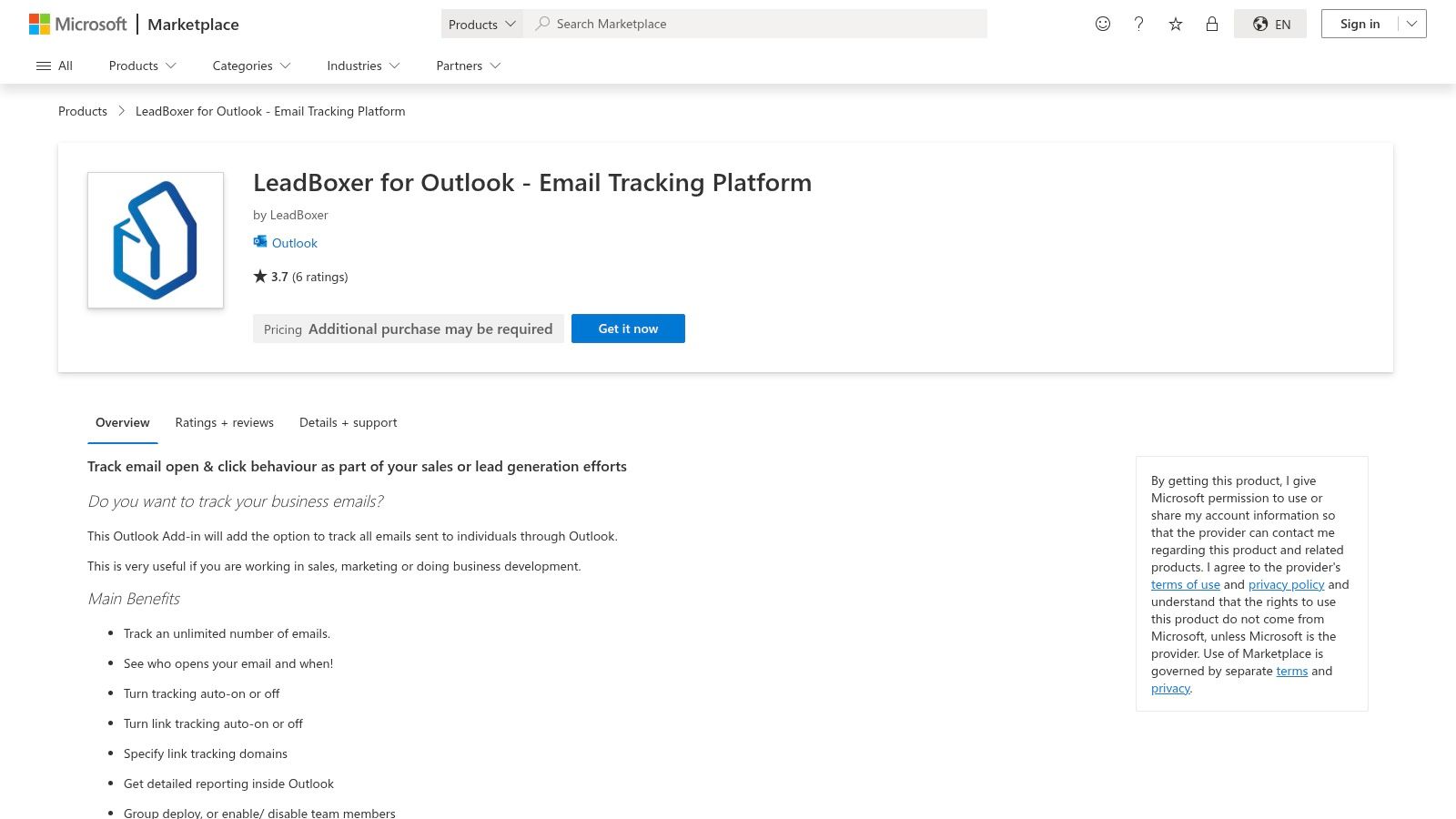
The platform is ideal for organizations that want to see the full customer journey, from the initial email open to subsequent website visits and on-site behavior. By connecting the dots between an email campaign and a prospect’s website activity, you gain a much richer profile of their intent. For those already using LeadBoxer for web analytics, adding the Outlook tracker is a logical and powerful extension.
Key Features & Implementation
- Core Tracking: Standard open and link click tracking activated per-message.
- Workflow Integration: Installs directly from Microsoft AppSource and appears in the Outlook ribbon, with simple toggles to enable or disable tracking.
- Lead Intelligence Sync: Optionally feeds email engagement data directly into the main LeadBoxer platform to enrich lead and account profiles with website activity.
Implementation is as simple as installing the add-in. The in-Outlook reporting is basic, but provides the immediate feedback you need. To get the most value, you must also subscribe to and configure the main LeadBoxer web analytics service, which is a more involved process.
Why It’s a Top Pick: LeadBoxer stands out for its ability to integrate email engagement into a much larger lead identification engine. It transforms basic tracking data into a strategic asset by showing you which recipients are not just opening emails but actively exploring your website.
Pricing: The Outlook add-in itself requires a subscription after a trial period. Pricing is not publicly listed on the AppSource page and is tied to the broader LeadBoxer platform subscription.
Website: https://appsource.microsoft.com/en-us/product/office/WA200000667
11. Outlook built-in read and delivery receipts (Microsoft)
Sometimes the simplest solution is built right into the tools you already use. Outlook’s native read and delivery receipts offer a foundational level of tracking without any third-party add-ins. A delivery receipt confirms the email reached the recipient’s mail server, while a read receipt requests confirmation when they open it. This makes it a straightforward, if limited, option for those seeking the best Outlook email tracking without adding new software.

This feature is best for internal communications or situations where you only need basic confirmation. Unlike pixel-based tracking, its biggest drawback is that the recipient must consent to sending the read receipt, and many email clients or security-conscious users will decline. It provides a simple “yes” or “no” on delivery and (potential) open, but lacks the granular data like link clicks or multiple opens that RevOps teams rely on for engagement analysis.
Key Features & Implementation
- Core Tracking: Per-message or global settings for requesting delivery and read receipts.
- Workflow Integration: Native functionality included directly within all modern versions of Outlook, including web and desktop.
- Reporting: Simple email notifications confirm delivery or receipt; there are no aggregated dashboards or analytics.
Implementation is as simple as it gets. You can enable receipts for individual messages under the “Options” tab before sending or set it as a global default in Outlook’s settings. No installation is required, making it instantly available for any user.
Why It’s a Top Pick: It’s the most accessible form of tracking available, completely free and built-in. For organizations with strict IT policies that prohibit third-party add-ins, this native function provides a basic, consent-based alternative for confirming message delivery.
Pricing: Free. This functionality is included with your Microsoft 365 or Outlook account at no extra cost.
12. Outreach Sales Engagement – Outlook add‑in
Outreach is a titan in the sales engagement space, and its Outlook add-in brings that power directly into your inbox. While email tracking is just one component of its vast platform, it’s executed with the enterprise-level control that RevOps leaders demand. The add-in allows reps to send tracked emails and leverage Outreach templates and sequences without ever leaving Outlook, making it a strong contender for the best Outlook email tracking within a comprehensive sales motion.
This tool is built for mature sales organizations that need centralized governance and deep analytics. Unlike simpler tools, Outreach provides administrators with organization-level controls to enforce or disable tracking policies, ensuring compliance and consistency. For sales leaders, the platform connects tracking data to broader engagement analytics, offering clear insights into which activities are driving pipeline. The data gathered helps define and monitor important sales KPIs and examples for team performance.
Key Features & Implementation
- Core Tracking: Robust open and click tracking on individual messages and templates sent from Outlook.
- Workflow Integration: Functions as an Outlook add-in that connects directly to the main Outreach platform, syncing activities, templates, and sequences.
- Reporting: All tracking data feeds into Outreach’s powerful analytics engine, providing deep insights into engagement and sequence performance.
Implementation involves installing the add-in from the Microsoft AppSource and connecting it to your Outreach account. It’s crucial to ensure you are using the latest supported version, as legacy add-ins have been deprecated. The platform is definitely not a simple plug-and-play tool; it’s part of a much larger ecosystem.
Why It’s a Top Pick: Outreach offers unparalleled control and analytics for enterprise teams. If your organization is already invested in or considering a full sales engagement platform, its Outlook tracking is best-in-class for maintaining governance and data integrity.
Pricing: Pricing is enterprise-focused and quote-based. The platform can be overkill and expensive if you only need simple email tracking.
Website: https://outreach.io
Top 12 Outlook Email-Tracking Tools — Comparison
| Product | Primary use / Target audience | Key technical features | Integration & data / compliance notes | Limitations / pricing |
|---|---|---|---|---|
| Yesware for Outlook | Sales reps wanting in‑Outlook tracking | Real‑time open/link/attachment notifications; activity feed; Outlook add‑in | Outlook‑native install; fast setup; basic reporting | Some builds use “Send with Yesware”; advanced features on higher tiers; free tier available |
| HubSpot Sales (Office 365 add‑in) | Sales teams using HubSpot CRM | Open tracking; click tracking (paid); automatic email logging to HubSpot CRM | Deep CRM integration; persistent activity timeline | Click tracking requires paid Sales Hub seat; legacy desktop add‑in limited |
| Saleshandy for Outlook | Sales outreach teams focused on per‑recipient metrics | Per‑recipient open counts; link click tracking; desktop notifications; templates | Works with Office 365 and older Outlook; CSV export | UI differs from native Outlook; COM add‑in may be disabled by Outlook |
| RMail by RPost | Regulated industries needing legal proof & security | Registered Receipt (court‑admissible); encryption; large file transfer; e‑sign | Strong compliance/evidentiary features; recipients need no install | Full suite may be overkill for basic tracking; pricing via sales |
| ContactMonkey (internal comms) | Internal communications teams and comms ops | “Send & Track” button; individual/anonymous/aggregate tracking; templates & merge fields | Designed for distribution lists; guidance for 365 and non‑365 deployments | Must use add‑in send flow (not native Send); focused on internal comms |
| Staffbase Email (formerly Bananatag) | Enterprise internal newsletters and HR/comm teams | Tracked sends; analytics; admin deployment and governance | Admin‑managed deployment; Outlook Classic + O365 via XML manifest (manual install) | O365 add‑in often requires IT/manual install; internal‑comms focus |
| PoliteMail for Outlook | Large orgs needing deep internal email analytics | Detailed dashboards (reach, read time, engagement); branded templates; MPP workarounds | Deep Microsoft 365/Exchange integration; admin controls and transparent measurement | Overkill for one‑to‑one sales; pricing aimed at larger organizations |
| Mailsuite (Mailtrack) for Outlook | Users wanting lightweight, free open tracking | One‑pixel open tracking; tracking history in Sent folder; vendor‑stated free/unlimited tracking | Available on Microsoft AppSource (Outlook‑specific add‑in) | Some docs emphasise Gmail; advanced features behind paid tiers |
| Track – Email Tracking Add‑in (Trackapp) | Users needing cross‑client/mobile tracking | Read/time/location/duration claims; link & attachment tracking; real‑time notifications | AppSource listing; supports desktop, web and mobile clients | Feature claims broad — verify fit; smaller vendor; trial available |
| LeadBoxer for Outlook | Teams combining email tracking with lead intelligence | Toggle tracking per message; link tracking; in‑Outlook reporting; optional web analytics tie‑in | Can push engagement into LeadBoxer lead intelligence | Full value requires LeadBoxer platform; subscription after trial |
| Outlook built‑in read & delivery receipts (Microsoft) | Users wanting native, no‑install receipts | Per‑message/global read and delivery receipt requests; built into Outlook clients | Native functionality; no third‑party installs; free with M365/Exchange | Consent‑based and unreliable; less granular than pixel trackers |
| Outreach Sales Engagement – Outlook add‑in | Enterprise sales teams using Outreach platform | Org‑level policy controls; message‑level toggles; sequence/template integration; analytics | Enterprise‑grade controls; integrates with Outreach engagement data | Sales‑led pricing; can be overkill if only basic tracking needed; ensure latest add‑in version |
Choosing the Right Tool for Your Revenue Engine
Navigating the crowded market for the best Outlook email tracking can feel overwhelming, but as we’ve explored, the “best” tool is rarely a one-size-fits-all solution. The right choice is the one that aligns perfectly with your specific use case, team structure, and most importantly, your overall revenue operations strategy. What works for a high-velocity sales team of ten will differ vastly from the needs of an enterprise-level internal communications department or a RevOps team managing a complex data ecosystem.
The journey starts by moving beyond the simple allure of an “email opened” notification. While that initial signal is valuable, the real power lies in what happens next. How does that data integrate with your CRM? Can it trigger automated workflows? Does it provide the deep analytics necessary to refine your outreach cadences, improve your content, and ultimately, drive predictable revenue?
From Individual Reps to a Unified Revenue Engine
Let’s distill our findings into a clear framework for your decision-making process. Your ideal tool is directly tied to the scale and maturity of your operations.
-
For the Individual Contributor or Small Team: If you’re a sales rep or a small team just starting to leverage email intelligence, lightweight and user-friendly tools are your best bet. Solutions like Yesware, Saleshandy, or Mailsuite provide immediate value with minimal setup. They offer the core tracking features you need without the complexity of a full-blown platform, empowering you to see what’s working and follow up smarter.
-
For the Ecosystem-Centric Company: If your organization lives and breathes inside a specific CRM like HubSpot or Salesforce, the choice often becomes clearer. The native HubSpot Sales add-in is a no-brainer for HubSpot users, ensuring seamless data flow and a unified user experience. Similarly, for teams heavily invested in a comprehensive sales engagement strategy, a platform like Outreach provides deep, native integration that a simpler add-in can’t match. This approach minimizes data silos and technical debt.
-
For the Specialized Internal Communicator: Internal communications and HR teams have a unique set of challenges that generic sales tools fail to address. Anonymized analytics, employee feedback mechanisms, and polished newsletter templates are paramount. This is where dedicated platforms like ContactMonkey and Staffbase Email truly shine, providing the specialized features needed to measure and improve employee engagement effectively.
Key Considerations Before You Commit
Before you sign a contract, step back and evaluate your choice against these critical factors. Answering these questions now will save you from costly technical debt and frustrating data gaps later.
-
Data Destination and Governance: Where does the tracking data live? Does it sync reliably to a custom object or standard field in your CRM? For a RevOps leader, having clean, structured data in your central source of truth (like Salesforce) is non-negotiable. It’s the foundation for accurate reporting, lead scoring, and attribution.
-
Scalability and Performance: Will this tool slow down Outlook for your users? As you scale from 10 users to 100, will the platform remain stable? Consider server-side solutions for larger teams to ensure consistent performance and central management, reducing the burden on individual client machines.
-
Compliance and Privacy: In an era of GDPR and heightened data privacy awareness, you cannot afford to overlook compliance. Investigate how the tool handles data, where its servers are located, and what options it provides for managing user consent. Tools like RMail, which focus on proof of delivery and encryption, highlight the importance of this dimension.
Ultimately, selecting the best Outlook email tracking software is an exercise in strategic alignment. It’s about choosing a partner that not only tells you who opened your email but also provides the structured data your revenue engine needs to learn, adapt, and grow. The goal isn’t just to track emails; it’s to turn your entire email outreach effort into a predictable, measurable, and optimizable component of your go-to-market strategy.
Once you’ve instrumented your email outreach, the next challenge is ensuring that valuable data reliably flows into your CRM and data warehouse to inform your entire revenue strategy. At RevOps JET, we specialize in building and maintaining the robust data pipelines that connect your go-to-market tools, ensuring your analytics are built on a foundation of clean, structured, and trustworthy data. If you’re ready to move beyond simple tracking and build a truly data-driven revenue engine, learn how our fixed-cost, expert-led services can help at RevOps JET.